
How it works
Doorbell to phone, without the building’s network.
Intercom Connect sits between the door station and the cellular network. The doorbell places a SIP call through the gateway, the gateway carries it to the IntercomCell cloud over LTE, and the cloud rings the app. The building’s network is never used.
The call path
Four hops. One cable at the door.
Doorbell to gateway over one Ethernet cable. Gateway to cloud over LTE. Cloud to app over the user’s phone data or Wi-Fi.
The call
When someone presses the button
- The visitor presses the call button on the door station.
- The doorbell places a SIP call through the gateway.
- The gateway sends the call to the IntercomCell cloud over LTE.
- The cloud rings every user in the ring group.
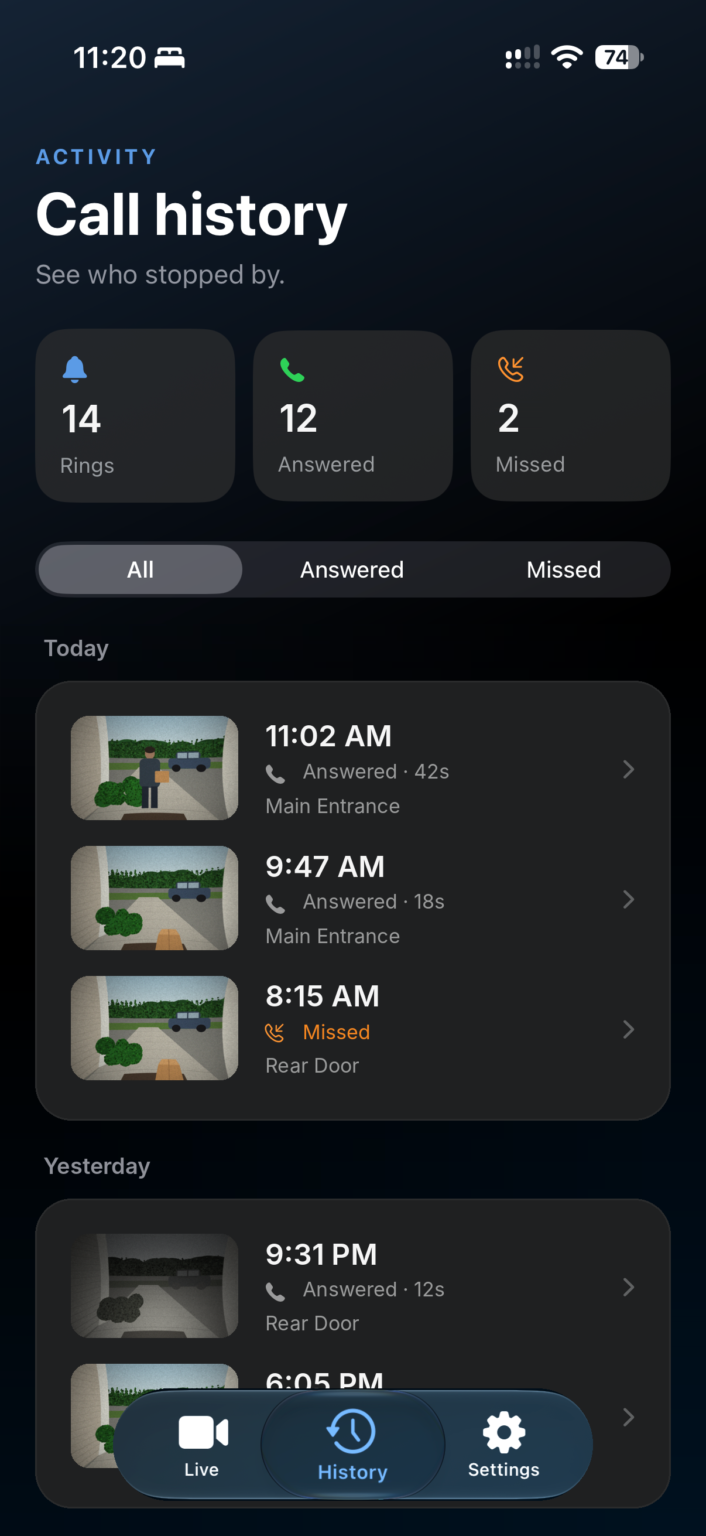
- The first person to answer gets two-way audio and live video, and can open the door from the app.
Install overview
Six steps from survey to hand-off.
Survey
Confirm LTE signal at the mounting spot and check that the door station is on the tested list.
Mount
Mount the gateway on a wall, pole, or gate post near the door station.
Power
Power the gateway from a PoE injector or switch, then run one cable from the gateway to the doorbell. The gateway powers the doorbell over PoE.
Activate
Add the gateway to the customer’s account in the dealer dashboard.
Configure the doorbell
Enter the SIP account from the dashboard on the door station. Wire the lock or gate operator to the doorbell’s relay output as you normally would.
Test and hand off
Place a test call, test door release, and invite the customer and their users to the app.
Site requirements
What you need on site
- Power at the mounting location for the PoE injector or switch
- Usable LTE signal where the gateway mounts
- A SIP door station from the tested list
- One outdoor-rated Ethernet cable to the door station, up to 100 m (328 ft)
What you don’t need
No network drop, Wi-Fi, port forwarding, or internet service is needed at the site.